AI Tools for Small Business: Which Ones Are Actually Worth It?
Most small teams use AI for email drafting and content. The higher-value work is turning scattered calls, notes and threads into something the whole team can use.
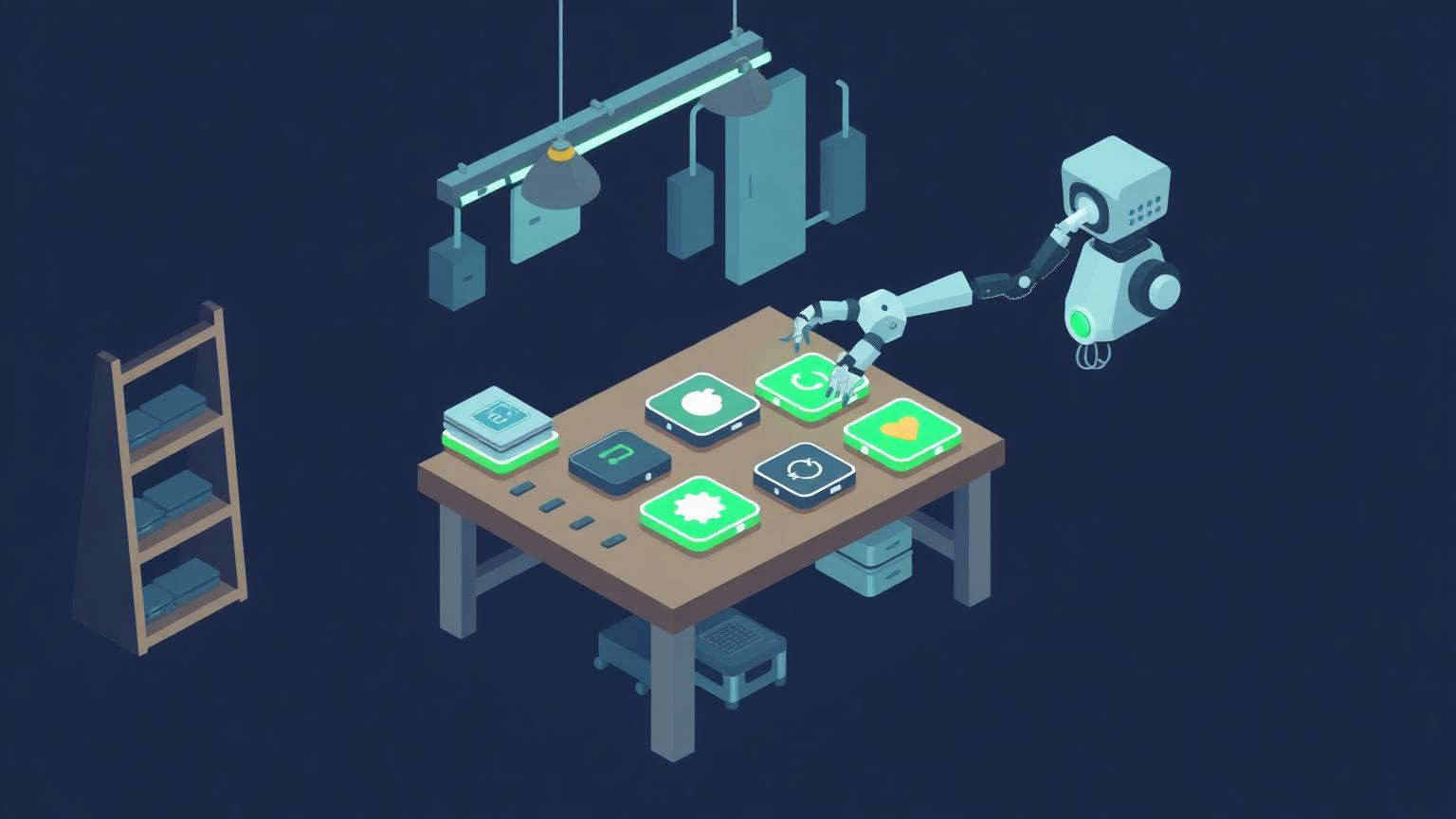
Ask a small business what it uses AI for and you will usually hear two answers: writing emails and drafting content.
Both are real. Both are also the shallowest possible use of the technology, and they are the reason so many teams conclude the return is not there. The higher-value work sits somewhere less obvious.
What are small businesses actually using AI tools for?
Mostly content generation and email drafting, which is a fraction of what these systems do well. The bigger opportunity is making sense of information the business already has but cannot currently use.
For a small company, the data that matters is scattered. Call recordings, support threads, proposals, invoices, and notes live in six systems and one person's memory.
That is where AI tools earn their cost. They can compile unstructured information into something structured, then make it usable across the whole go-to-market function at once.
Take call recordings as a single example. The same set of conversations can tell sales what objections keep recurring, customer success which accounts sound at risk, product what is missing, and marketing exactly how buyers describe their problem in their own words.
Capturing unstructured data is the critical piece for a small business, because most institutional knowledge is trapped in someone's head and has never been written down.

Which AI tools are worth paying for?
The ones tied to a bottleneck you can name. Everything else is a subscription you will forget about and keep paying for.
By function, this is where small teams typically get real value:
- Meeting capture. Records, transcribes and summarizes calls, turning conversations into a searchable record.
- Research and synthesis. Reads sources and answers with citations, cutting hours of manual reading each week.
- Content drafting. Produces first drafts against a brief, speeding up the slowest part of publishing.
- Support and intake. Answers common questions and qualifies enquiries when nobody is available.
- Data cleanup. Normalises and deduplicates records, making everything downstream more reliable.
Meeting capture is the highest-leverage starting point for most service businesses. Tools like Otter.ai and Granola turn every conversation into a record the rest of the team can search, which is exactly the unstructured-to-structured shift described above.
The broader AI & Generative Tools category covers the rest of the landscape by function rather than by vendor hype. Capabilities and pricing in this space change monthly, so confirm current details on the vendor's own site before buying.
What should you never automate with AI?
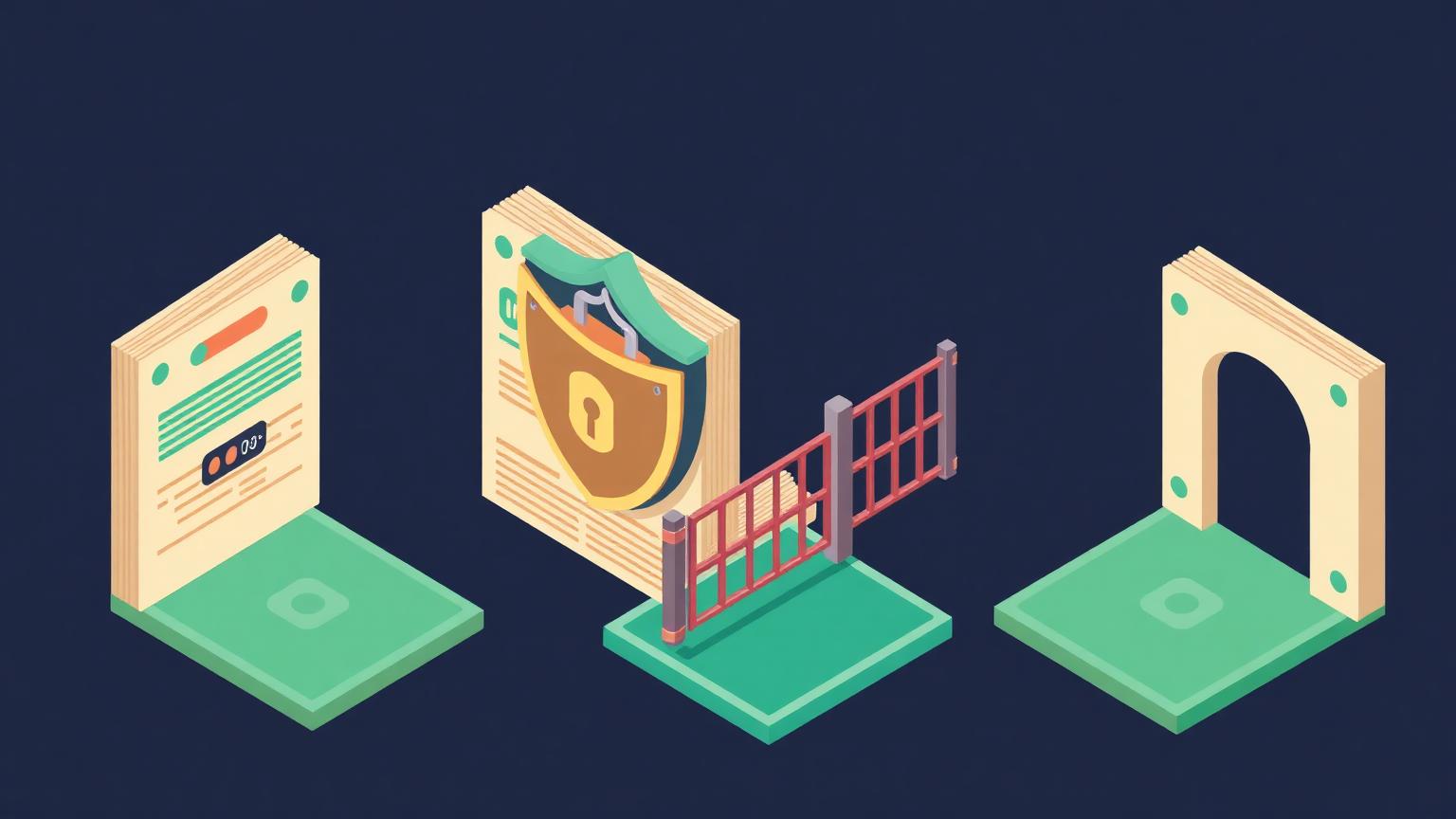
Anything touching customer records or personal data without explicit guardrails. Access decisions belong at the top of the plan, not in a follow-up ticket after launch.
Do not automate for the sake of automating. Every connection you create is a decision about what a system can see, and small teams make those decisions casually because the setup screens make it easy.
The rule we use is simple. Customer information and personally identifiable data are off limits to general-purpose tools unless there is a specific, reviewed reason and a scoped permission behind it.
Governance for a small company does not need to be heavy:
- Decide which systems a tool may read from, and which it may only write to.
- Keep personal data out of general-purpose assistants entirely.
- Log what the tool touched, so a mistake is traceable.
- Review access whenever someone changes role or leaves.
- Keep a human approving anything that reaches a customer unprompted.
The teams that skip this are not being reckless on purpose. They are moving fast, and permission scopes are the least interesting screen in any setup flow.
What is the highest-value use for a service business?
An intake agent. For a professional services company or a physical location, qualifying enquiries and covering offline hours is the clearest return available.
Two things happen when nobody is there to answer. The enquiry goes to a competitor, or it sits until the intent has cooled and the conversation has to restart from scratch.
An intake agent solves both. It answers the common questions, captures the details you would have asked for anyway, and hands a qualified summary to a person in the morning.
The important design choice is where it stops. It should qualify and capture, not negotiate or commit. Anything requiring judgment gets escalated with the context already attached, which is faster for the customer and safer for you.
Done well, this is the rare AI project with an unambiguous before-and-after: enquiries that used to be missed are now recorded and answered.

How much should a small business spend on AI tools?
There is no correct number. What matters is whether the tool is used daily and whether you can point to the value it produces.
Some small businesses struggle to approve a hundred-dollar monthly subscription. Others spend well over a thousand a month across their stack without hesitation. Both can be right, and both can be wrong.
The question that settles it is not the price. It is whether the team has actually adopted the tool and whether you can describe what changed since you bought it.
A short spending discipline:
- No new subscription without a named owner and a named bottleneck.
- Review every AI line item quarterly against actual usage.
- Cancel anything nobody has opened in a month.
- Spend the savings on the one tool people fight to keep.
Unused seats are the most common waste we find. Not overspending on the wrong tool, but paying for the right tool that only two people ever opened.
How do you measure whether AI is paying off?
Run it like an experiment. Clean data, one bottleneck, a benchmark before you start, and a hypothesis for what should change.
Most teams want to click a button and let an agent handle the rest. That is not a responsible way to introduce a system that will act on your behalf.
The method that works:
- Clean the data first. Nothing downstream is measurable if the inputs are unreliable.
- Pick a single bottleneck. One process, one team, one metric. Not the whole operation.
- Record the benchmark. What the metric is today, before anything changes.
- Write the hypothesis. What you expect to move, by how much, and by when.
- Let it run. Give the change enough time to produce a real sample, the same as any A/B test.
- Re-measure against the benchmark. Then decide to expand, adjust, or stop.
Step three is the one that gets skipped, and skipping it makes every later conversation an argument about impressions.
If you are unsure whether your foundations support this yet, our free AI readiness assessment scores the data, stack, and adoption questions that decide it.

How do you get a team to actually use these tools?
Pick two people, make them fluent, and let everyone else learn from them. Broad rollouts with a training session and a login rarely produce daily habits.
Adoption is the whole game here. A capable tool used by one person is a hobby; a modest tool used by the whole team changes how the business runs, and the difference shows up in the numbers within a quarter.
What works in practice is embedding the tool in an existing routine rather than adding a new one. If notes already get reviewed before a weekly pipeline meeting, that is where a summarization tool belongs—not in a separate workspace people have to remember to open.
Three habits that consistently raise adoption:
- Share concrete before-and-after examples internally, using your own work rather than vendor demos.
- Make one person the go-to for questions, so nobody has to admit confusion publicly.
- Remove the manual alternative once the new path is reliable, or people will default back to it.
Expect a dip before the gain. The first two weeks are slower because people are learning, and teams that judge the tool in that window almost always abandon something that would have worked.
Finally, revisit the choice on a schedule. This category moves quickly enough that the right tool for a workflow in January may be the second-best option by summer, and a quarterly review costs an hour.
What do small teams ask most about this?
The recurring questions, answered briefly.
Do we need one general assistant or several specialised tools?
Start with one general assistant and add specialised tools where the general one clearly underperforms. Most teams over-buy in the first month.
Will AI replace roles on a small team?
In our experience it reallocates hours rather than removing people. The gain shows up as capacity for work that was previously never getting done.
What is the fastest project to show value?
Meeting capture. It requires almost no configuration and produces an obvious before-and-after within a week.
How do we stop the tools from making things up?
Ground them in your own verified data and keep a human review step for anything customer-facing. Accuracy is a data problem before it is a model problem.
Is free tier enough to start?
Often, yes. Prove the workflow on a free plan, then pay for the version that removes the specific limit you hit.
Where should you start?
Name one bottleneck, capture the data around it, and run a single scoped experiment. The teams getting real value from AI tools are not the ones with the most subscriptions.
They are the ones who picked one problem, measured it honestly, and only expanded after the number moved.