What Is the Best CRM for a Small Business?
The right choice is the one your team will open every day. Here is what a small team actually needs, what it costs in production and why rollouts usually fail.

Every small sales team eventually has the same argument: whether the deals in someone's head need to live somewhere else.
The answer is yes, and the interesting question is what "somewhere else" should be. Choosing a small business CRM is less about features than most comparison pages suggest, and much more about whether your team will actually use it.
What should a small business actually need from a CRM?
Contacts, leads, accounts, and a view of how deals are moving. Everything beyond that is refinement.
Stripped to basics, the job of a small business CRM is simple. A small business CRM gives you one place to add and track the people and companies you sell to, and a way to see where each opportunity sits in the pipeline.
Then two things make it usable day to day. Somewhere to write rapport notes and log activity against a record, and reminders that tell you when the next action is due.
That is it. A small business CRM is simply a way to manage and track how deals are progressing so you can make revenue predictably rather than from memory.
Teams get into trouble when they buy for the org chart they hope to have in three years. The forecasting suite, the territory rules, and the custom objects all cost adoption today for capability you cannot use yet.

What are the best CRMs for small business right now?
The realistic shortlist for a small team is short. Ease of use and low setup cost beat depth at this stage, almost every time.
- Pipedrive. Small sales teams wanting a visual pipeline, with a design that is quick to adopt.
- HubSpot CRM. Teams that want marketing and sales together, with a generous free tier and a deep upgrade path.
- Close. High-volume calling and outbound teams, with calling and sequencing built in.
- Zoho CRM. Cost-sensitive teams already inside the Zoho suite, with low seat costs.
- Attio. Modern teams wanting flexible data modeling alongside automation and simplicity.
- Insightly. Teams that need project delivery tracked alongside deals in one record.
Most small sales teams elect for a free or genuinely easy-to-use interface, which is why Pipedrive, Insightly and increasingly Attio show up so often. The full Customer Relationship Management (CRM) category has the wider list by use case.
Seat pricing, feature packaging, and free-tier limits in this category change frequently. Check the vendor's own pricing page before you commit to anything on this list.

Which CRM fits a two-person versus a twenty-person sales team?
Two people should optimize for speed of entry. Twenty people need ownership, reporting, and forecasting, which is a different product category in practice.
At two people, the constraint is friction. If logging a call takes more than a few seconds, it will not happen consistently, and an incomplete record is worse than no record because it looks authoritative.
At twenty, new problems arrive that a lightweight tool cannot solve. Account and territory ownership, manager-level reporting, forecast rollups, and permissions all become daily concerns rather than occasional ones.
That is the point where teams typically move to a larger platform. The migration is manageable, but it hinges on one thing: whether you can import your historical data cleanly so no context is lost.
Most teams start with what they need and grow into richer functionality. That path works well as long as you choose an early tool that can export cleanly, with the relationships between records intact.
Ask any shortlisted vendor how a full export looks before you sign, not after you outgrow them.
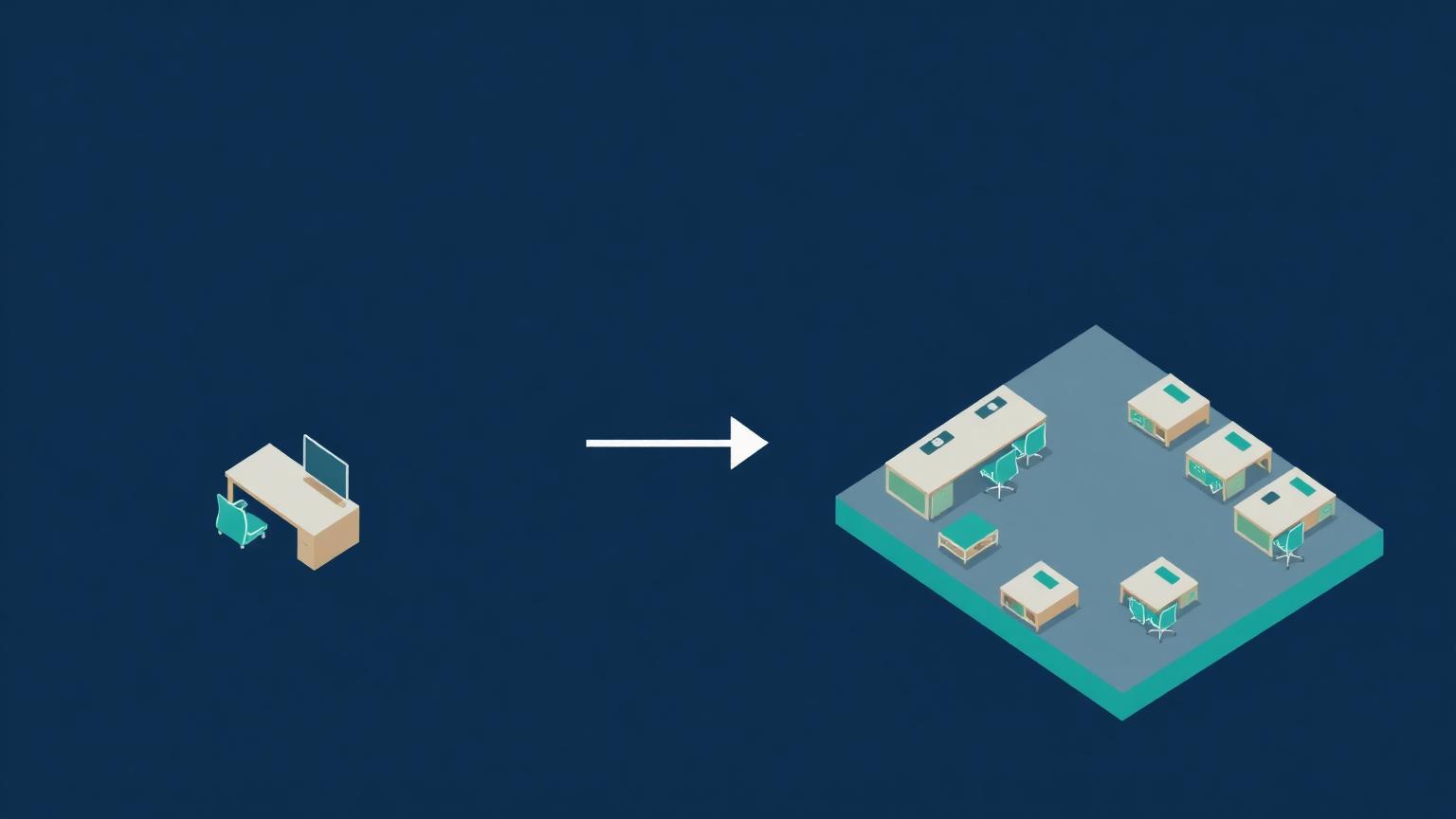
What does a CRM really cost once you add seats and automation?
Roughly two to three times the sticker price by the time it is in production. The seat cost is the visible part of the bill.
The additions that surprise people:
- A higher tier for automation. Workflow and sequencing usually sit above the entry plan.
- Per-seat creep. Support, delivery and leadership all need access eventually.
- Data migration. Cleaning and mapping records before import takes real time.
- Integration work. Connecting email, calendar, scheduling and billing is rarely instant.
- Admin time. Someone maintains fields, stages and reports every single month.
The last line is the one nobody budgets. A pipeline configuration decays quietly as the business changes, and without a named owner the stages stop meaning anything within a year.
None of this argues against buying. It argues for choosing based on total cost in production rather than the number on the pricing page.
Why do most SMB CRM rollouts fail?
Because the sales team does not enter their information, and everything downstream depends on that data existing. The tool is rarely the problem.
When reps do not log activity, the record becomes incomplete, and incomplete records make the next stage of company growth much harder to reach. This is why teams gravitate toward low-intensity systems that proactively capture data rather than asking humans to remember.
The damage is not contained to sales, either. Marketing cannot see which activities generate top-of-funnel demand or whether their work is moving the needle at all. Attribution—first touch, last touch, even the lead source that started a buyer journey—becomes guesswork.
Product loses too. Without logged reasons for lost opportunities, there is no reliable signal about what to build to improve win rates. And customer success needs contact data simply to do account management outreach.
It is a full ecosystem that begins with entry and bleeds into revenue operations reporting, forecasting, and whether sales has the right data at the right moment to sell effectively.
Which means CRM adoption is an operations problem wearing a software costume. Choose for the path of least resistance, then make entry part of how the team works rather than an administrative afterthought.
Is a spreadsheet ever good enough?
No, or at least not for long. A spreadsheet is a piece of paper you are hoping not to lose.
The logic behind reaching for one is understandable. It is free, it is already open, and for the first handful of deals it genuinely holds.
What it cannot do is hold context across dozens of conversations. You are relying on memory to reconstruct where each relationship stood, and memory fails quietly at exactly the wrong moment.
A CRM lets you pick up a conversation where it left off, with the right detail in front of you, and keep the deal moving. That is the whole value proposition, and no formula replicates it.
If budget is the blocker, find a free CRM rather than defaulting to a sheet. Starting a real customer database early costs nothing and saves a painful reconstruction later.

How do you get sales to actually log their activity?
Reduce the number of things a rep has to type. Every field you make mandatory lowers the odds that the record gets created at all.
The most effective change we see is automatic capture. Email sync, calendar sync, and call logging fill most of the activity history without anyone entering anything, which leaves reps to add only the judgment: what the buyer actually cares about and what happens next.
Then make the pipeline reflect reality. Stages should describe what the buyer has done, not what your team hopes is true, because vague stages invite inconsistent entry and useless forecasts.
A few practices that hold up:
- Cap required fields at three or four on any record.
- Define each stage with an exit criterion anyone can verify.
- Run pipeline reviews inside the tool, so the record is the only version of the truth.
- Have leadership use the same reports the team maintains, which makes accuracy visible.
- Close the loop on lost deals with a required reason, since that data drives everything from product to positioning.
The cultural piece matters more than the configuration. If the pipeline meeting runs off a spreadsheet someone rebuilds each week, the message is that the system of record is optional—and reps will treat it that way.
Make the tool the only place the conversation happens, keep entry cheap, and adoption tends to look after itself.
What do small teams ask before choosing?
The questions that come up in nearly every evaluation.
How long should implementation take?
Days for a light tool, weeks for a platform. If your rollout is measured in months, the scope has grown beyond what a small team needs.
Should we customize heavily at the start?
No. Run the default configuration for a quarter, then change only what demonstrably gets in the way.
Who should own it?
One person, named, with time allocated. Shared ownership of a CRM means nobody maintains it.
What is the single best predictor of success?
Whether reps can log an interaction in under thirty seconds. Everything else follows from that.
Can we migrate later without losing history?
Usually, if you check export capability before you buy and keep your field naming consistent from the start.
How should you decide?
Pick the tool your team will open every day, then make entry effortless. A modest small business CRM that everyone uses beats a powerful one that half the team avoids.
Decide once, resource the rollout properly, and revisit only when the constraint has genuinely changed.