Best Scheduling Software for Small Business: Which One Fits You?
Cal.com for solo operators, Calendly for teams—and why any booking tool that skips your CRM quietly loses the meeting record that proves the pipeline.
Booking a meeting should take one click. For most small teams it still takes four emails, a timezone argument, and a calendar invite nobody accepts.
Scheduling software is cheap and mature. The reason teams still struggle is rarely the tool. It is that nobody decided who owns the calendar, what happens after the booking, and where the record of that meeting is supposed to live.
What does scheduling software actually solve?
It removes the negotiation. Instead of proposing times, you publish availability and let the other person pick.
That sounds small. In practice it collapses a two-day email thread into a thirty-second action, and it does it at the exact moment someone is most willing to talk to you. Speed to booking is a revenue metric, not an admin one.
The second thing it solves is the double booking problem. Once your real calendar is the source of truth, availability updates itself. No human has to remember that Thursday afternoon is gone.
The third thing, and the one most teams never turn on, is what happens after the meeting is booked. Reminders, reschedules, no-show follow-ups, and the record of the conversation all belong somewhere. If they live only in an inbox, they are effectively lost.

Which tool fits a solo operator?
Cal.com is the sensible default when one person owns the calendar.
It is open source, the free tier is genuinely usable, and it self-hosts if you care about where your data sits. For a consultant, a founder, or a one-person services business, that combination is hard to beat. You get a clean booking page, working calendar synchronisation, and no per-seat bill to think about.
The trade-off is that you are closer to the machinery. Configuration options are broad, defaults are opinionated in places, and some polish that a commercial product would have sanded down is still visible.
That is usually fine for a solo operator. You configure it once, you know how it works, and the cost of a rough edge is a few minutes of your own time rather than a support ticket from a colleague.
Which tool fits a team or multi-location business?
Calendly earns its price the moment more than one person needs to be bookable.
Team scheduling is where the problem changes shape. You need round-robin scheduling so leads distribute fairly, collective availability when two people must both attend, routing forms so the right person gets the right meeting, and buffers that respect travel between locations.
Those features exist elsewhere, but this is the category where paying for maturity pays back. A misrouted lead costs more than a seat license. So does a booking link that shows availability your team cannot honor.
Signals you have crossed into team territory:
- More than one person takes external meetings on a shared pipeline.
- Leads need routing by territory, product line, or location.
- You run multiple locations with different opening hours.
- Someone other than the calendar owner needs to reschedule on their behalf.
- You want reporting on booking volume by owner.
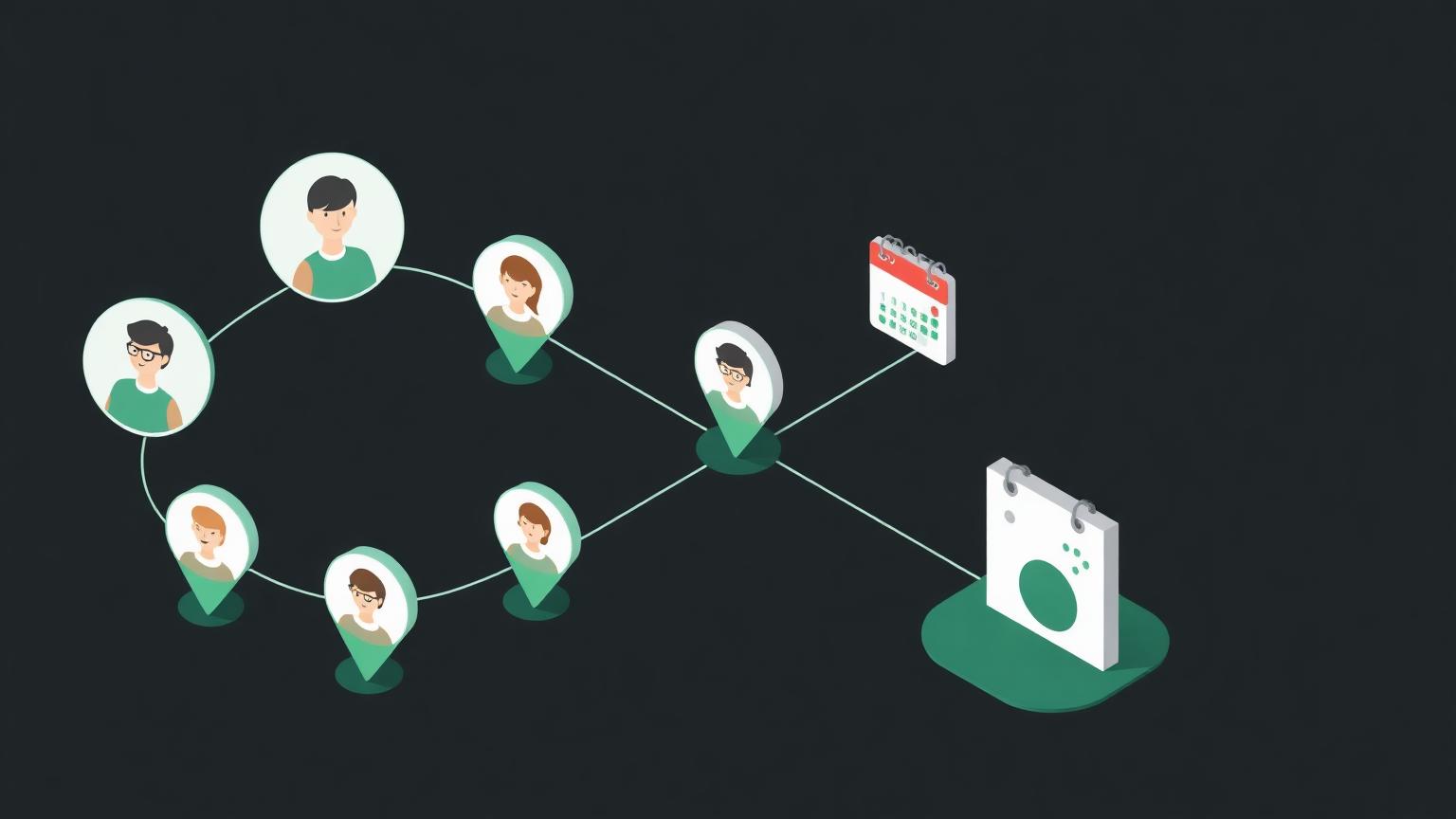
Why does scheduling that skips your CRM cost you money?
Because a meeting that never reaches the CRM is a meeting that never happened.
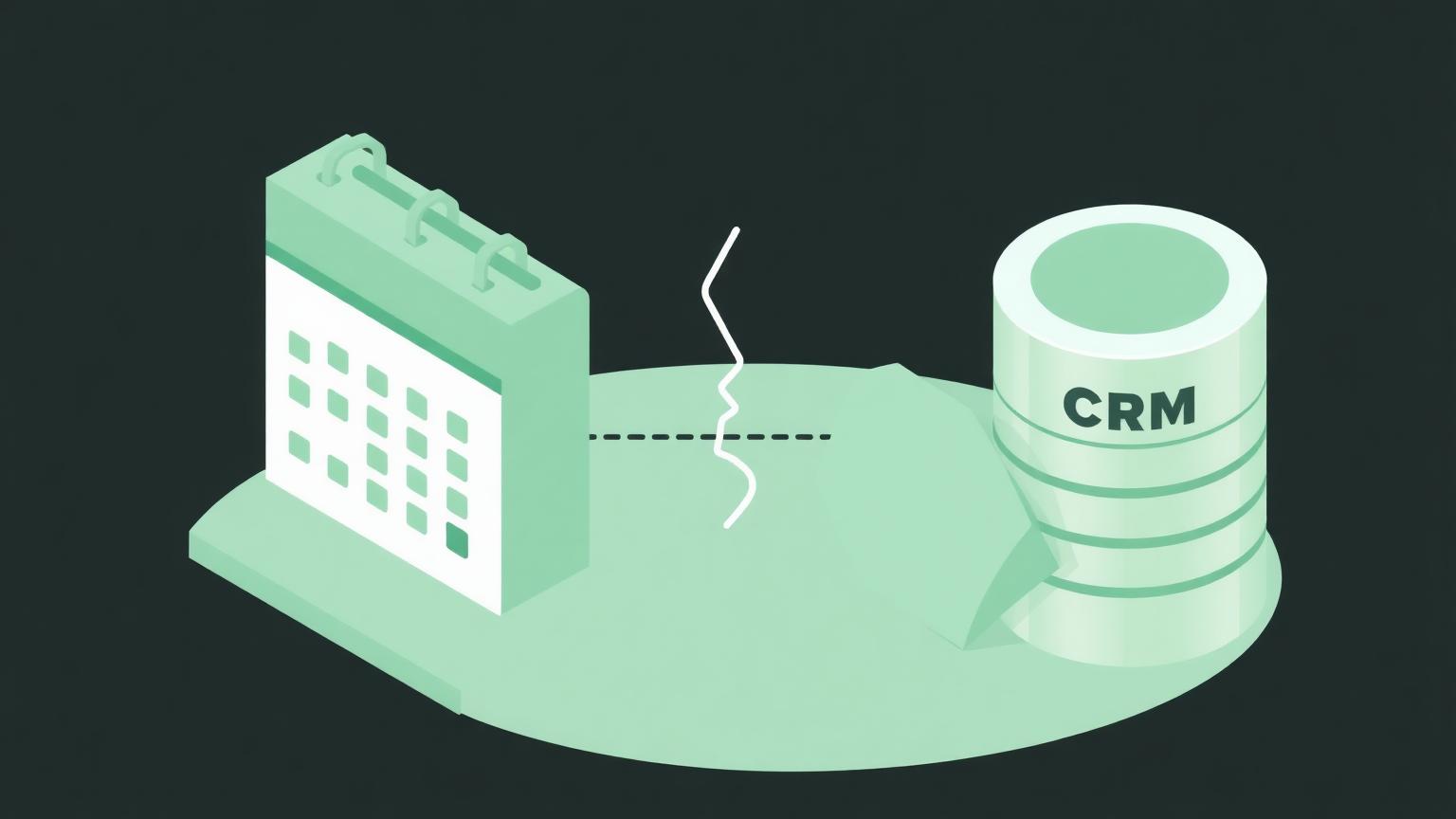
This is the failure we see most often, and it is invisible until you go looking. The booking tool sends a calendar invite. The invite lands in a personal calendar. The prospect shows up, the conversation goes well, and nothing about it ever touches the customer record.
Three months later nobody can answer basic questions. How many discovery calls did we take? What is the show rate? Which source produced the meetings that closed? The activity record is stranded in an inbox, so the pipeline math is guesswork.
The fix is not complicated. Every booking should create or update a record on the customer, with source, owner, outcome, and timestamp. Most tools do this natively with the major platforms; the rest do it through an automation layer.
Before you buy, ask one question: when someone books, what gets written back, and where? If the answer is "a calendar invite," you are buying a scheduling widget, not a scheduling system. That is the whole difference.
What should you look for beyond the booking page?
Look at the boring parts. They are where the difference lives.
Calendar sync should be two-way and near-instant against every calendar your team actually uses, including the personal one that quietly holds the school run. One-way sync creates a double booking eventually, and it always happens with the meeting you least wanted to lose.
Reminders should be configurable by channel and timing, because show rate is the metric that pays for the software. Payment collection matters if you charge for consultations. Intake questions matter if the meeting needs prep.
Then check the exits. Can you export bookings? Can you move to another tool without losing history? A booking link is easy to replace. Two years of meeting history attached to customer records is not.
How much should a small business pay for this?
Less than you think, and the free tiers are real.
Most vendors publish a free plan that covers one calendar and one event type, then charge per seat for teams, with routing and workflow features gated at higher tiers. Pricing changes regularly and varies by region, so check the vendor pages directly before you budget rather than trusting any comparison table, including ours.
The costs that actually move the total:
- Seats you provision and forget, for people who no longer take meetings.
- Higher tiers bought for one routing feature you could handle upstream.
- Payment processing fees if you collect deposits through the tool.
- Integration middleware, if your customer platform is not natively supported.
A useful discipline: price the annual cost per booked meeting. Divide the yearly bill by the meetings you actually took last year. Most teams discover the tool is either absurdly cheap or that they are paying for seats nobody uses.
When is scheduling software the wrong fix?

When the real problem is that nobody wants the meetings you are offering.
Scheduling software converts demand. It does not create it. Teams sometimes buy their way through a pipeline problem, then conclude the software failed because the calendar is still empty. The tool was never the constraint.
The other wrong fix is buying scheduling to paper over a broken handoff. If leads arrive and sit for two days before anyone responds, a booking link shortens one step in a process that is failing three steps earlier. Fix the response time first.
You can see how the category breaks down across Scheduling Software, or compare the two leading options head to head at cal-com vs calendly. If routing and write-back are the sticking point, the Workflow Automation Software tools are usually where that gets solved.
How do you choose in an afternoon?
Answer three questions and the decision resolves itself.
First: how many people need to be bookable? One means take the free, open option and move on. More than one means pay for team routing and stop optimizing.
Second: where does the meeting record need to land? Write down the system, then confirm your shortlist writes to it natively. If it does not, add the cost of an automation step to your comparison.
Third: what is your show rate today? If you do not know, that is the number to instrument first, because reminders and confirmations are the highest-return setting in any of these products.
The pattern we see across small teams evaluating scheduling software is over-buying on features and under-buying on integration. The booking flow is commodity. The connection between the booking and the customer record is the part that changes revenue, and it is the part almost nobody tests during a trial.
Set it up so a booked meeting updates the customer record automatically, reminds the attendee twice, and shows up in a report you can read on Monday. Do that with the cheapest tool that supports it, and the rest of the comparison stops mattering.
Common questions about booking tools?
A few things come up in almost every evaluation, and they are worth answering before you start a trial.
Can you use a free plan forever?
Yes, for a single person with one meeting type. Free tiers in this category are genuinely functional rather than crippled demos, and a solo consultant can run on one indefinitely. You start paying when you need a second bookable person, routing, or automated write-back to another system.
Does it work with more than one calendar?
Every serious product supports connecting several calendars per user, and you should connect all of them, including personal ones. Availability is only correct if the tool can see every commitment. Connecting one calendar and hoping is the single most common cause of an embarrassing conflict.
What happens to bookings if you switch tools?
Future bookings usually need to be recreated or migrated manually, and historical records travel only as an export. Give yourself a two-week overlap where both booking pages are live but only the new one is published, then retire the old links once nothing points at them.
Should you charge for consultations?
If no-shows are your problem, a small deposit fixes it faster than any reminder sequence. Most tools support taking payment at booking through a standard processor. The friction filters out unserious enquiries, which is either exactly what you want or exactly what you cannot afford, depending on your pipeline.
How long should setup take?
An afternoon for one person, a week for a team, whichever scheduling software you pick. If it is taking longer, the delay is almost never technical. It is an unresolved question about who owns which meetings, and no configuration screen will answer that for you.