Marketing Automation for Small Business: What Should You Build First?
Most small teams buy a platform before deciding what to automate. Here is the order that actually works: routing, then sequencing, then lifecycle campaigns.
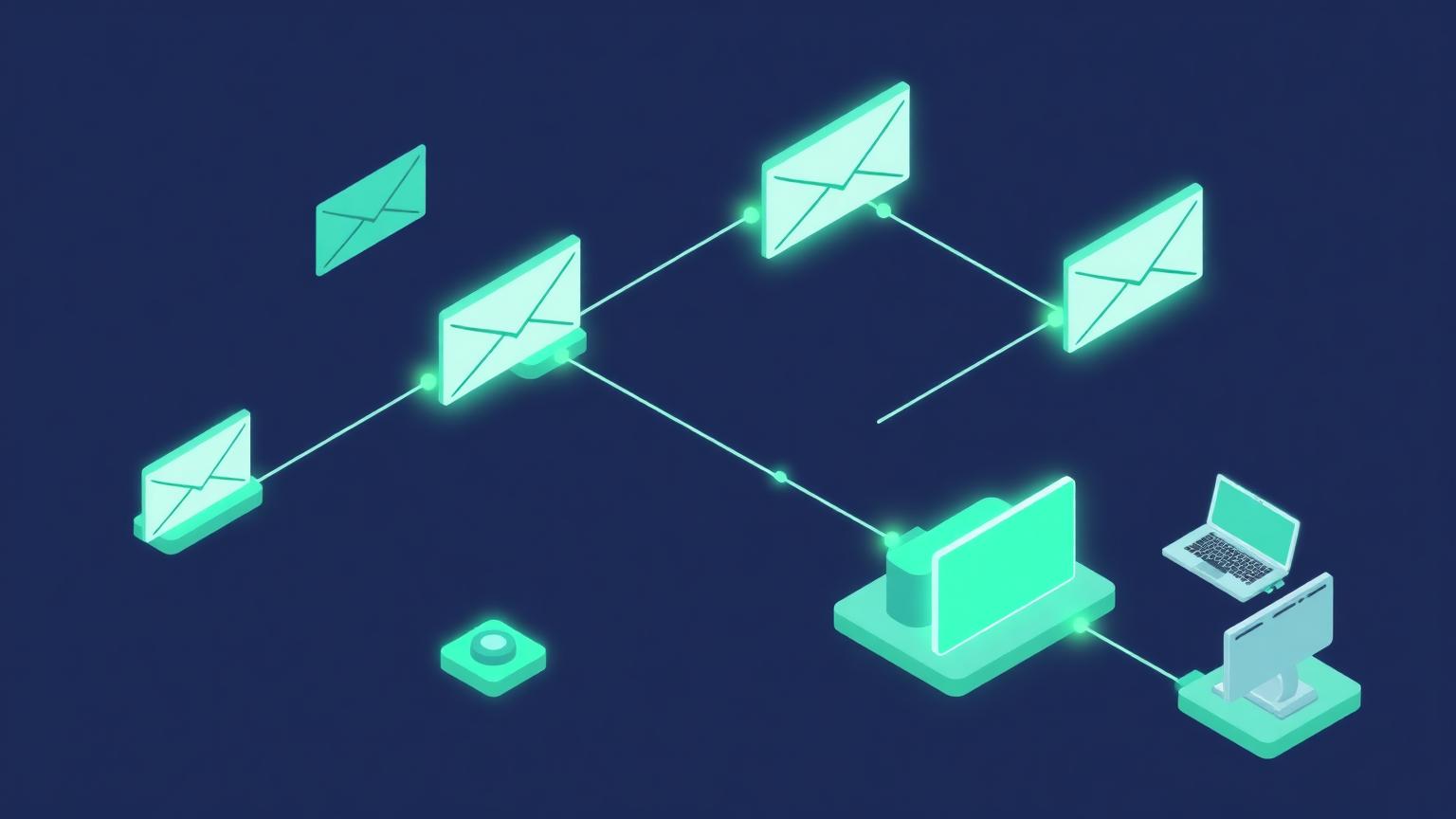
Most small teams buy automation software long before they have decided what should be automated.
The platform gets paid for, two workflows get built, and the rest of the plan quietly becomes someone's someday project. This is the most common way marketing automation fails at small-company scale, and it has almost nothing to do with the software.
What is marketing automation actually for at SMB scale?
At small scale it is a routing and timing system, not a growth engine. It makes sure the right message reaches the right person at the right moment without someone remembering to send it.
That framing matters because most vendor marketing sells the opposite story. You are shown revenue attribution dashboards and multi-branch nurture trees, then handed a blank canvas and a monthly bill.
For a team under fifty people, the useful definition is narrower. Marketing automation is the layer that moves information between people and systems so that nothing waits on a human's memory.
Three jobs cover most of the value:
- Routing. A form fill, a booked call, or a support request lands in front of the person who can act on it, immediately.
- Sequencing. A prospect or customer receives a planned series of messages with deliberate spacing.
- Record keeping. Every one of those touches gets written back to the customer record so the next conversation starts with context.
Everything else is a refinement of those three.
What should a small team automate first?
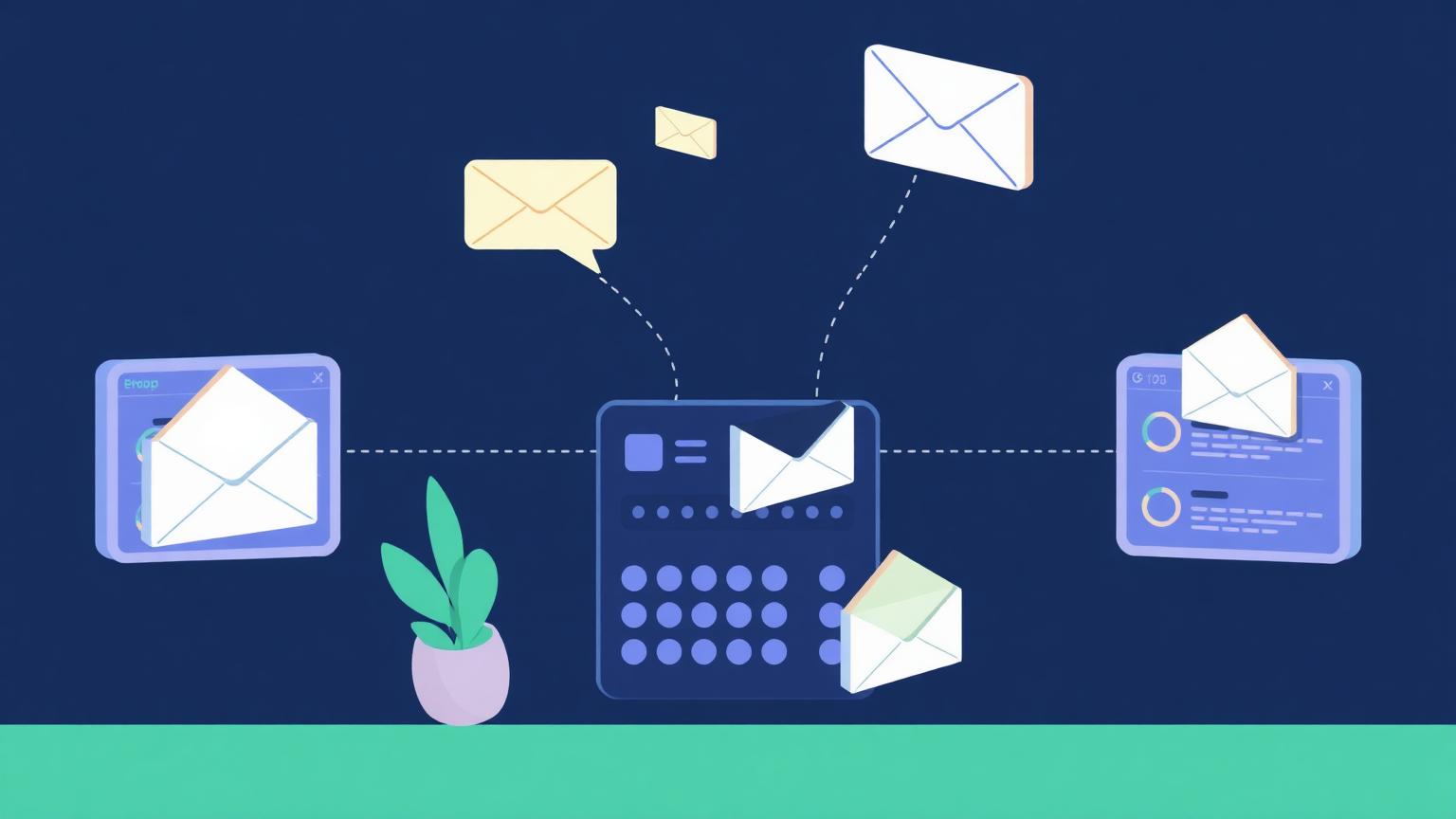
Start with notifications into the tools your team already lives in. Route new leads, replies, and booked meetings into Slack, Teams, or a shared inbox so the right eyes see them while the intent is still warm.
This is the fastest win available and it is almost never the one teams start with. It requires no copywriting, no segmentation strategy, and no design work. It only requires deciding who owns which signal.
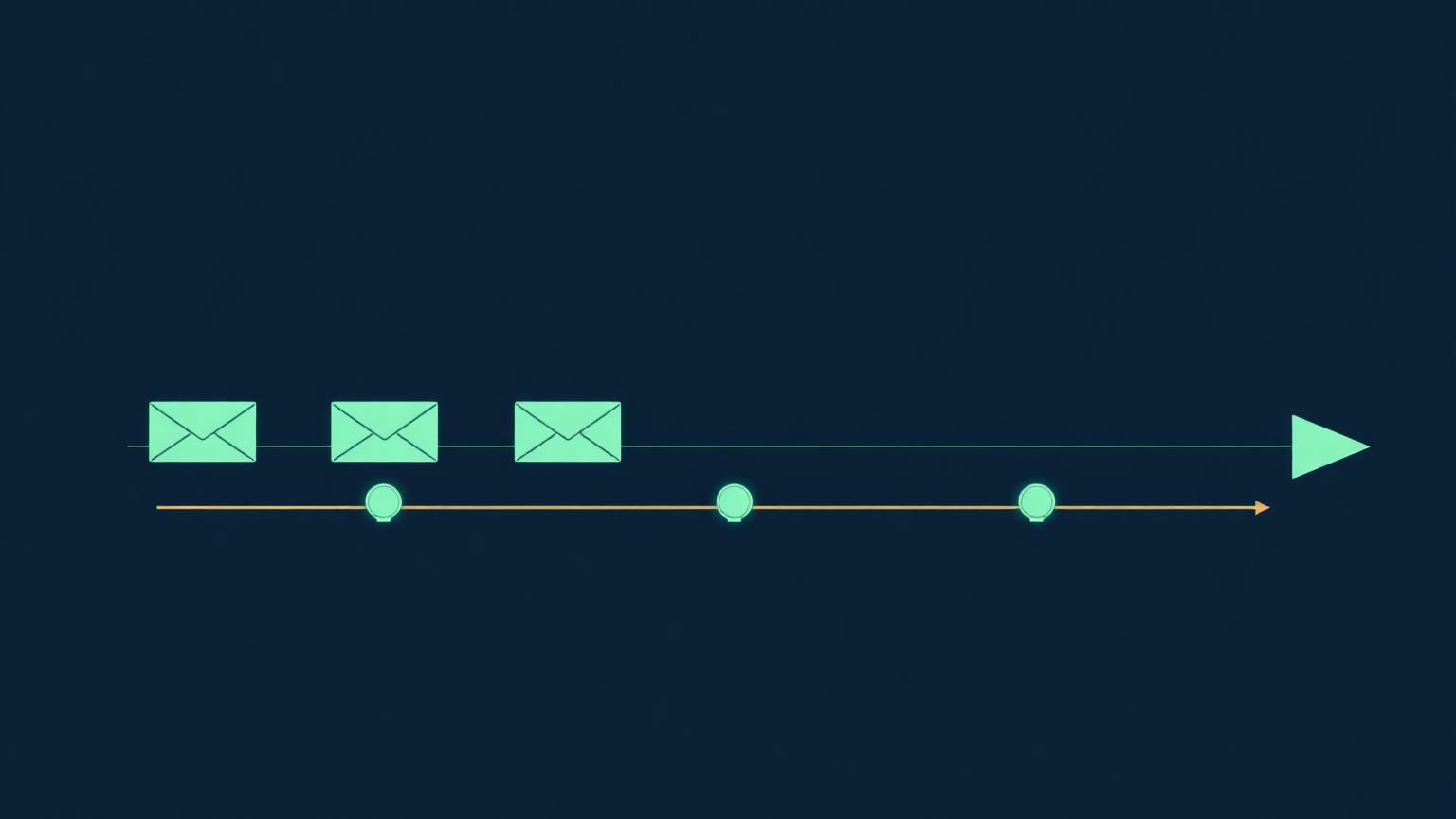
The second layer is outbound sequencing, and the order matters here too. Sales sequences before marketing campaigns, because sales sequences are shorter, easier to measure, and correct themselves faster when the message is wrong.
Once those two are running, the third layer is unified scheduling across teams. Without it, the same contact receives a sales follow-up, a nurture email, and a product announcement in the same afternoon from three different senders.
That last point is the one small teams underweight. Frequency is a shared resource. If nobody owns the calendar of outbound touches across sales, marketing, and support, your best-fit buyers get the worst experience.
A reasonable first-quarter scope looks like this:
- Internal routing. Alerts on new leads, replies and bookings. Buildable in days.
- Sales sequencing. Structured follow-up with real spacing. One to two weeks.
- Lifecycle campaigns. Onboarding, reactivation and renewal. Three to six weeks.
- Frequency governance. Shared rules on who can message whom, maintained continuously.
Why do most SMB automation projects stall?
They stall because founders do not want to be in the weeds, and nobody else has been hired to be there yet. The work is technical enough to feel like engineering and operational enough to feel like nobody's job.
That is the honest diagnosis. Most small teams need to sell and make money, and building automation feels like a detour from both. The assumption is that it needs an IT function, so it waits until the company has scaled—which is exactly backwards.
The other reason is a mismatch of expectations about time. Automation runs fast once it exists, so people assume it is fast to build. In practice, each connection needs mapping, testing, and a decision about what happens when it fails.
There is a third failure that shows up later. Someone builds the workflows, leaves or changes roles, and nobody else can read what was built. Lead routing quietly breaks and the first sign is a month of missing follow-up.
If you take one thing from this section: staffing the work matters more than choosing the platform. Someone has to own it, even at a few hours a week.
Which tools fit a small team's marketing automation stack?
Fit is decided by where your customer record already lives, not by feature checklists. If your CRM is the system everyone opens daily, choose the automation layer closest to it.
Broadly, small teams land in one of three configurations:
- All-in-one platform tied to your CRM. One vendor and one record, but costs climb quickly as your contact list grows.
- Email platform plus a workflow tool. Good for a light sales motion, though you own the integration logic yourself.
- Workflow tool plus point solutions. Maximum flexibility for technical operators, with more moving parts to maintain.
If you are still assembling the connective layer, the Workflow Automation Software category covers the tools that move data between systems. For campaign execution tied to a customer record, Marketing Automation Software is the closer fit, and HubSpot Marketing Hub is the most common landing spot for teams that want the CRM and the campaigns under one roof.
Pricing and packaging in this category change often, and contact-tier pricing in particular gets restructured. Confirm current tiers on the vendor's own site before you commit to a platform.
What does good look like in the first 90 days?
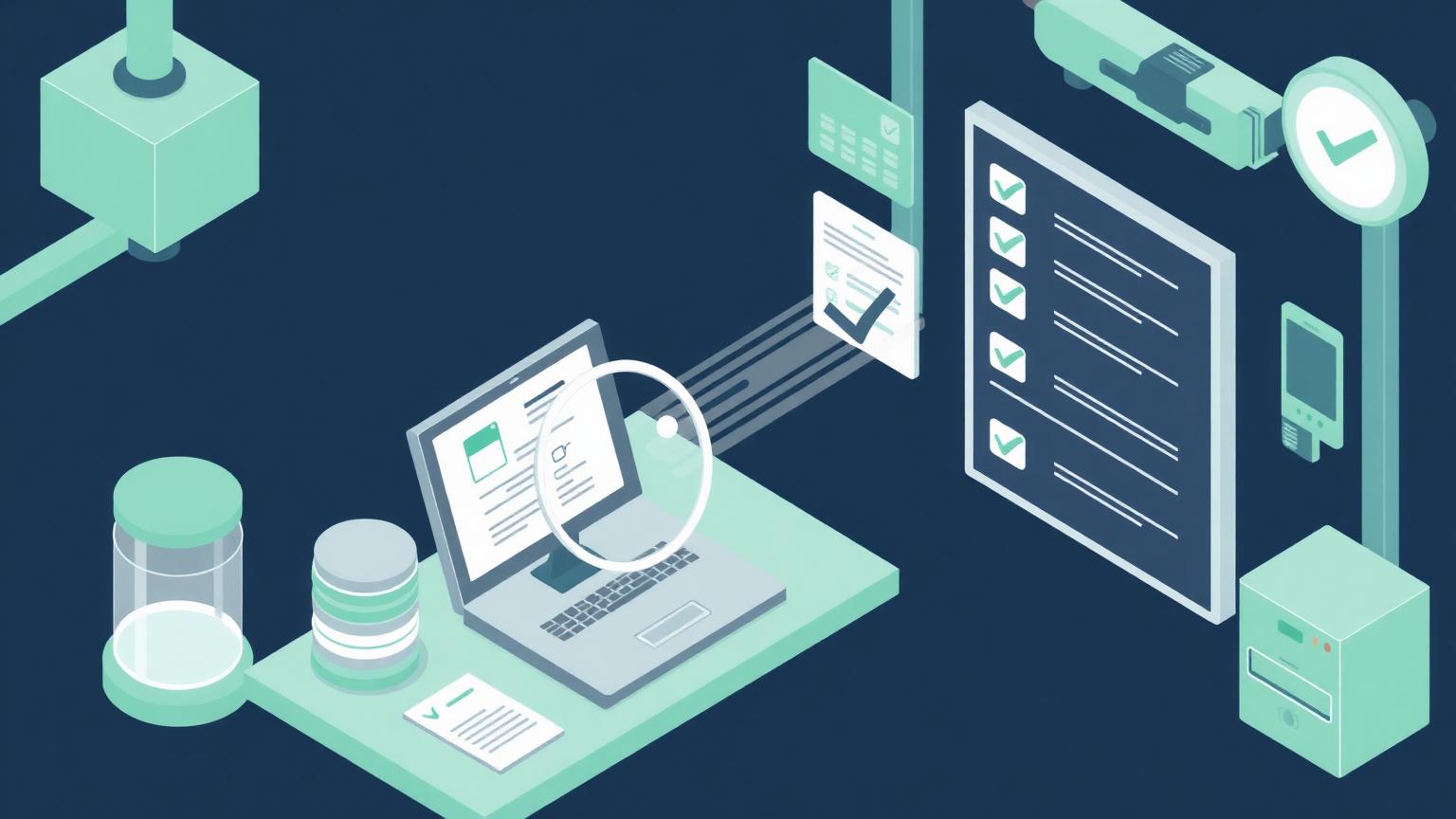
Good means every connection fires, and fires correctly. Not volume, not a full lifecycle program—just verified plumbing that does what you think it does.
This is the training-wheels stage, and it is the one most teams skip. They go straight from purchase to campaign launch, and the first sign that a mapping was wrong is a customer receiving something they should never have seen.
Concretely, ninety days of good looks like:
- Every automated path has been run with test data, end to end, including the failure branch.
- Field mappings are verified in both directions between your CRM and your sending platform.
- Someone reviews a weekly log of what fired and what errored.
- Unsubscribes and suppression lists are respected across every sender, not just the marketing tool.
- One person can explain, out loud, what happens to a new lead in the first seven days.
Run extensive quality assurance before anything reaches a client-facing surface. Your brand reputation is on the line, and a small mapping mistake is very public when it goes out to a list.
If your data is not clean enough to trust these tests, that is a signal to fix upstream first. Our free AI readiness assessment is built around the same question: whether your foundations can support the thing you want to automate.
How do you keep automation working after launch?
Treat it as a system that decays, because it does. Fields get renamed, a vendor changes an API, someone edits a form, and a workflow that ran perfectly for six months stops firing without an alert.
The maintenance habit that prevents most of this is small. Once a month, open the run history, look for errors, and confirm the highest-value path still completes end to end.
Documentation matters as much as monitoring. Write down, in plain language, what each workflow does, who owns it, and what should happen when it fails. One page per journey is enough, and it is the difference between a system your next hire can extend and one they have to rebuild.
Ownership needs to survive turnover too. When the person who built the workflows changes role, the handover should include a walkthrough rather than a login.
A short operating checklist we recommend to clients:
- Monthly review of run history and error logs.
- A named owner for every live workflow, listed somewhere shared.
- A change log for edits, so a break can be traced to a date.
- Quarterly pruning of workflows nobody uses any more.
- An annual audit of which contacts are receiving what, and how often.
None of this is complicated. It is simply the operational rigour that turns a set of clever connections into infrastructure the business can rely on.
What questions do small teams ask most about this?
Below are the questions that come up in nearly every conversation on this topic.
Do we need a dedicated person to run this?
Not full-time, but you need a named owner. A few focused hours a week from someone who understands the customer journey beats an unowned platform with an expensive plan.
Should we automate sales or marketing first?
Sales, in most cases. The feedback loop is shorter, the volume is lower, and mistakes are cheaper to catch and correct.
How much should a small business spend here?
Less than you think at the start. The constraint is rarely the software budget; it is the hours available to build and maintain what you buy.
What is the most common technical mistake?
Wiring a connection and never testing the failure case. Systems that fail silently cost more than systems that fail loudly, because nobody knows to go looking.
When does an all-in-one platform stop making sense?
When you are paying for a suite to use one module well. At that point, a focused tool plus a workflow layer is usually cheaper and better.
How should you decide what to do next?
Pick one journey, instrument it fully, and prove it works before adding a second. Momentum comes from finishing something small, not from scoping something large.
The teams that get value here are rarely the ones with the best platform. The teams that win with marketing automation are the ones who decided who owns the work, tested honestly, and resisted the urge to launch the whole lifecycle program in month one.
Build the foundation, verify it, then let volume follow.