Zapier vs Make: Which Automation Tool Should You Start With?
Zapier for non-technical starters, Make for visual orchestration, n8n for agentic work. How to pick the one whoever maintains it can still read in a year.

Every small team weighing Zapier vs Make hits the same wall first. Two systems that will not talk, and a person in the middle copying fields between them.
That person is the integration. They are also the bottleneck, the error rate, and the reason nothing scales. The automation tools that replace them are cheap, but they are not interchangeable, and picking the wrong one costs more in rebuild time than it saves in subscription.
What is the real difference between these two automation tools?
One is a straight line. The other is a canvas.
Zapier is built around a simple mental model: something happens, then something else happens. Trigger, action, done. The interface walks a non-technical person through it step by step, and the connector library is the largest in the category by a wide margin.
Make is built around a visual map. You see every module, every branch, every router and filter laid out in space, and you can watch data move through it. That view is why people who orchestrate multi-step processes prefer it.
The difference is not power. Both can run complex work, and the Zapier vs Make debate rarely turns on raw capability. The difference is what they optimize for: Zapier optimizes for someone building their first automation without help, Make optimizes for someone maintaining their fortieth.

Who should start with Zapier?
Anyone who has never built an automation before.
If the person doing this work is a marketer, an office manager, or a founder between other jobs, the onboarding curve is the deciding factor. Zapier's is the gentlest in the category, and the sheer breadth of connectors means the tool you use is almost certainly supported natively.
It fits best when the automations you need are genuinely simple. A form submission creates a CRM record. A payment posts to a channel. A new customer gets added to a list. Linear work, few branches, low volume.
The ceiling arrives in a predictable place. Once a process needs conditional routing, iteration over collections, error handling, and five or six systems in sequence, the linear view becomes hard to hold in your head. You can build it. Reading it back in six months is the problem.
That ceiling is fine if you never approach it. Plenty of small businesses run a dozen simple automations for years and never need anything else. Buying complexity you will not use is its own cost.
Who should choose Make?
Anyone orchestrating a real process rather than wiring two apps together.
The visual canvas earns its keep when a workflow has shape: parallel branches, conditional paths, data transformations between steps, retries on failure. Seeing all of it at once is not a cosmetic preference. It is what makes the automation maintainable by someone other than its author.
Make also tends to be more economical at volume, because its pricing counts operations rather than tasks in the same way, and because a single scenario can do work that would take several separate builds elsewhere. Check both vendors' current pricing pages before you assume that, since these models change.
Signals that point this direction:
- Your processes branch on conditions rather than running straight through.
- You transform or reshape data between systems, not just pass it along.
- Volume is high enough that per-step pricing has started to sting.
- More than one person needs to understand and maintain the builds.
- You have already outgrown a simpler tool and rebuilt the same thing twice.
Where does n8n fit in?
At the agentic end, where automation stops being deterministic.
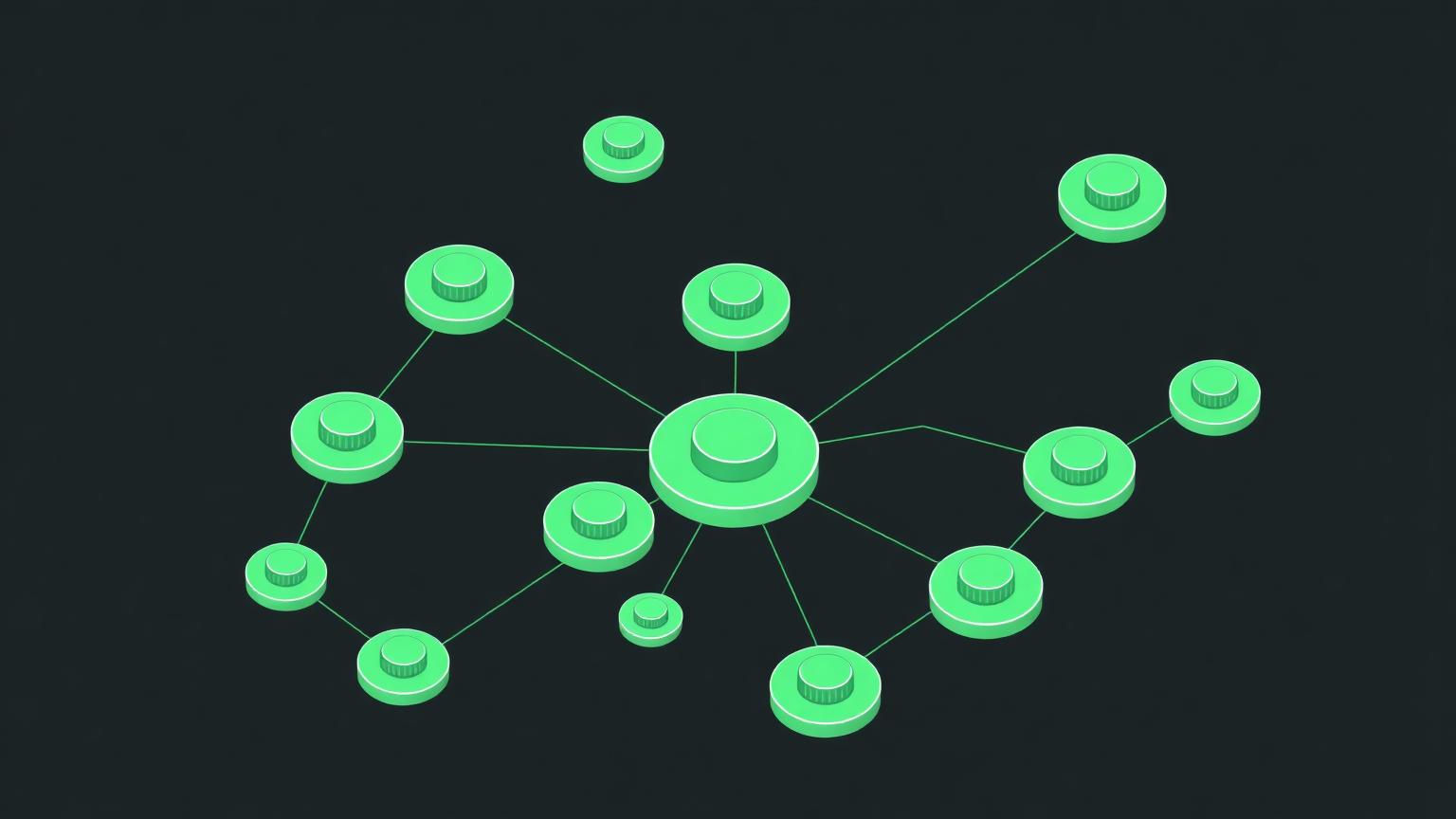
n8n is the tool for agentic workflows. That means a model reading an inbound message and deciding the route, an agent calling tools in sequence, or logic that cannot be expressed as a fixed set of branches. It self-hosts, it is code-friendly, and it assumes a technical operator.
That assumption is the whole trade. You get control, data residency, and no per-operation meter. You also get infrastructure to run and a build that a non-technical colleague cannot safely touch.
For most small businesses this is the third step, not the first. Get the deterministic processes working somewhere simple, learn what actually breaks, and move the pieces that need intelligence once you know which ones they are.
The mistake worth avoiding is starting here because it looks the most capable. Capability you cannot maintain is a liability, and a self-hosted automation stack with one person who understands it is a single point of failure with a monthly hosting bill.
What does pricing really look like at small-business scale?
Both tools are cheap to start and surprising at scale.
The variable that matters is the unit. One vendor counts each step in an automation, the other counts operations across a scenario, and the same business process can produce very different bills depending on how it is built. A poorly structured automation that polls every five minutes will cost more than a well-structured one doing more work.
Costs that catch teams out:
- Polling triggers running around the clock against low-volume data.
- Automations that fire on every record change rather than on meaningful ones.
- Duplicate builds nobody retired after a process changed.
- Premium connectors gated to higher tiers.
- Error loops that retry silently and consume quota.
Audit quarterly. Every mature automation estate we look at has at least one build burning operations on work nobody needs anymore.

What should you automate first?
The task that a human does the same way every single time.
Good first candidates share three traits: high frequency, zero judgment, and a clear failure signal if it goes wrong. Copying a lead from a form into a CRM qualifies. Deciding which leads deserve a call does not.
Bad first candidates are the ones that feel most painful. Painful usually means judgment-heavy, and judgment-heavy automations are where teams build something brittle, watch it produce a wrong answer at scale, and abandon automation entirely.
Sequence it like this:
- Write down the process by hand, exactly as it runs today.
- Mark every step that requires a decision.
- Automate only the undecided steps first.
- Add notification on failure before you add more steps.
- Revisit the decision steps once the plumbing is proven.
Also fix the data before you move it. Automating a flow between two systems that disagree about what a customer record looks like just propagates the disagreement faster.
How do you choose between them today?

Match the tool to the person maintaining it, not to the process on the whiteboard.
If that person is non-technical and this is their first automation, take the gentler tool and accept the ceiling. If they think in diagrams and are wiring together a genuine multi-system process, take the canvas. If they write code and need models making decisions mid-flow, self-host and take the control.
The comparison that actually matters in Zapier vs Make is not feature parity, because both will do what a small business needs. It is who can open the build in a year and understand it without calling the person who left.
You can see how the wider category lines up across Workflow Automation Software, or compare the two directly at make-formerly-integromat vs zapier. If the underlying problem is that your systems hold conflicting versions of the same customer, Integrate Your Tools is the more honest place to start.
One last operator note on Zapier vs Make: neither tool creates leverage on its own. Automation multiplies whatever process you already have. Multiply a clean process and you buy back real hours. Multiply a broken one and you have simply made the mess arrive faster, with a monthly invoice attached.
Common questions about automation tools?
These come up in nearly every conversation once a team starts building seriously.
Can you migrate builds from one tool to another?
Not directly. There is no export format that moves an automation between these platforms, so a migration means rebuilding each flow by hand. That rebuild cost is the real switching penalty, and it grows with every automation you add, which is a good argument for choosing deliberately early.
How many automations does a small business actually need?
Fewer than most people expect. Five to ten well-chosen flows usually cover the repetitive work in a small operation. Estates with fifty builds are typically the result of nobody retiring old ones, not of a genuinely complex business.
What happens when an automation fails silently?
It costs you more than the manual process ever did, because nobody notices for weeks. Configure failure notifications before you build anything important, route them to a channel a human reads daily, and check the error log on a schedule.
Do you need a developer?
For the simpler tools, no, and that is the point of them. For self-hosted, agent-driven builds, yes, and pretending otherwise creates a system that cannot be maintained. Match the tool to the skills actually present in the business today rather than the ones you hope to hire.
Should you automate before fixing the process?
No. Automation is a multiplier, and multiplying a bad process just produces bad outcomes faster and at greater volume. Document the process, remove the steps that should not exist, then automate what is left.